


2.4.3 added a Restart to Install button. The first real update through it, from 2.4.3 to 2.4.4 on our own Mac, showed two problems that our tests had missed. 2.4.5 fixes both.
A button that could not be pressed
S3 checks the updater's status every 300 ms. The updater reported the new version only in its short "found" step, and on a fast connection that step was over before S3 looked. The Dynamic Island then said Update ready · S3 with no version, and because S3 did not know which version was waiting, the button stayed disabled.
Now the version travels with every step: downloading, extracting, ready and installing. The button no longer depends on the label at all. It follows the update that is actually staged.
S3 did not come back
After installing, S3 should open again by itself. The installation took about two seconds, but S3 stayed closed. With new persistent diagnostics, a Codex worker reproduced the real path: two Developer ID-signed builds, a locally served signed update feed, and the same Sparkle installer that users get.
The log showed the cause. The small watcher that reopens S3 was started by the updater after S3 quit, but Sparkle finished the installation and closed the updater first. So the watcher was never created. Now S3 itself prepares the watcher before it quits. The watcher checks that the new build is the expected version with a valid Developer ID signature, then opens it once.
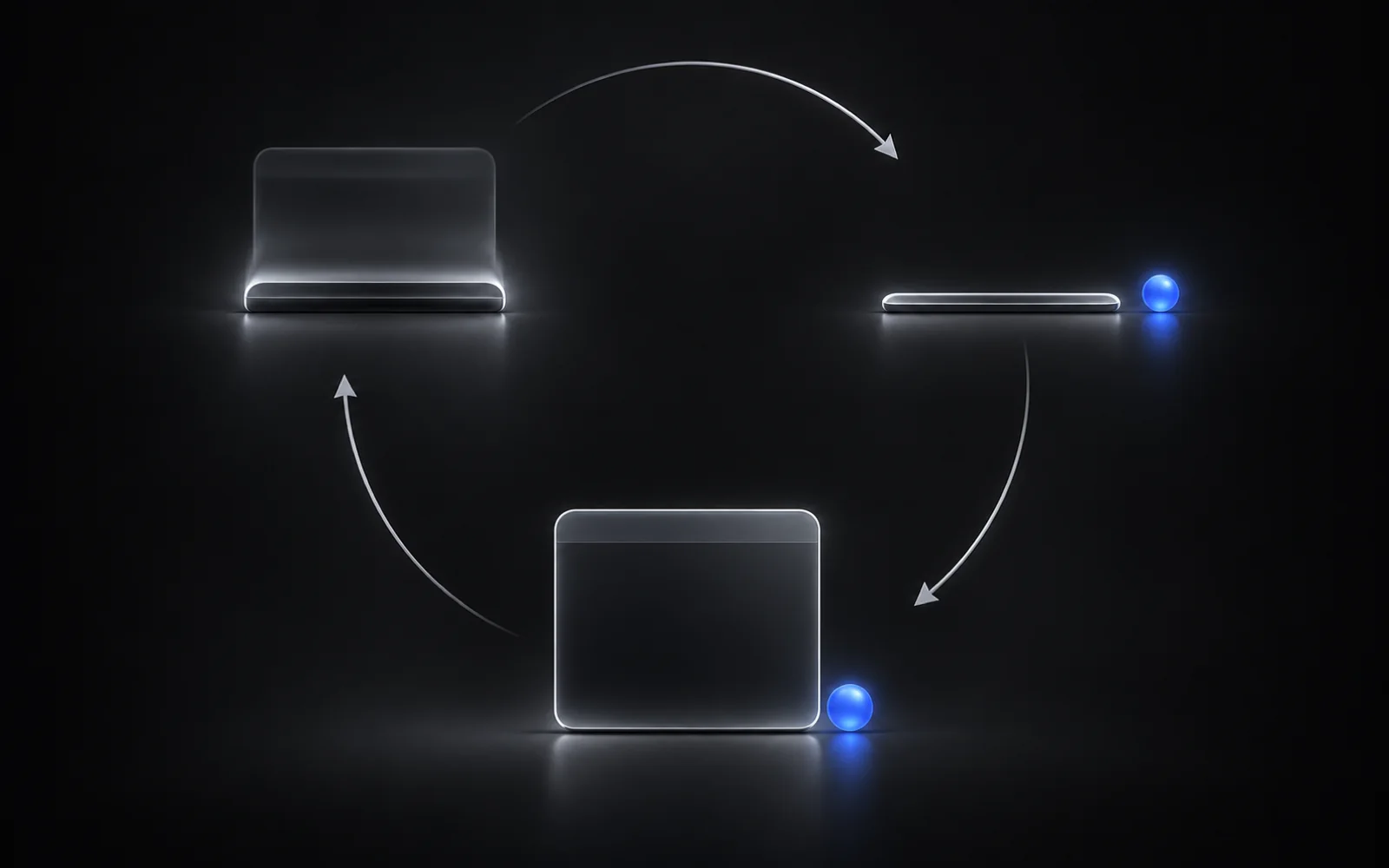
Signed test, Restart to Install: S3 reopened in 0.95 s
Signed test, normal quit: the update installed and S3 stayed closed, as it should
Reviewed until clean
Three independent Codex reviews went over the change. They found four more issues: a test build that could slip into release packaging, a Cancel button that did not cancel, a leftover watcher that could reopen S3 after a later ordinary quit, and finished watcher processes that were never cleaned up. Each was fixed, and the last review found no defects. 116 update tests pass.
One honest note: going from 2.4.4 to 2.4.5 still uses 2.4.4's updater, so on that step the button may stay grey. A normal quit installs the update in the meantime. From 2.4.5 onwards, Restart to Install works as described.